
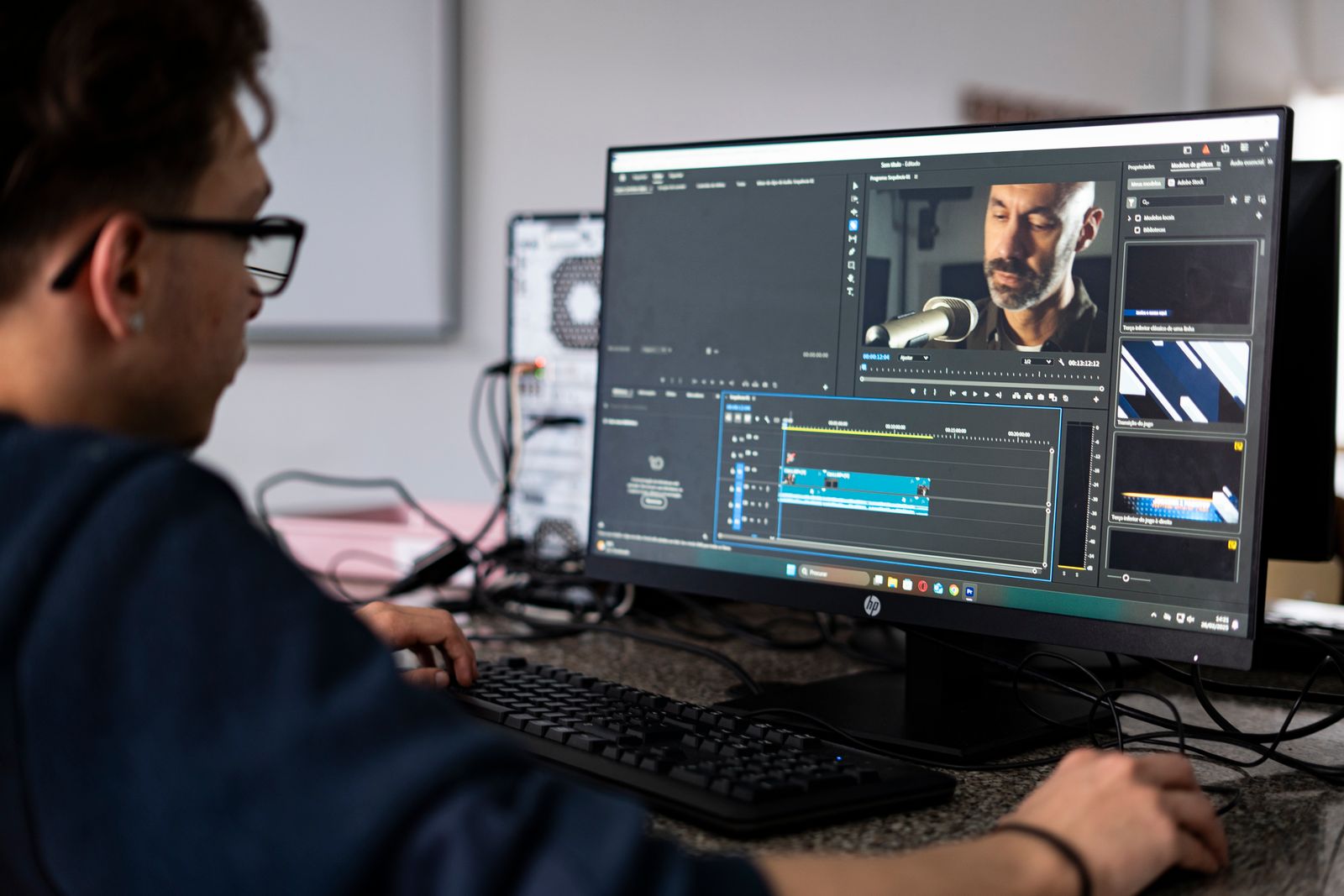
Turning footage you already have into a company video
Short answer: Most companies already own enough material for a strong video. Conference recordings, phone clips, product demos, screen captures and photos add up fast. We build a company video from your own footage plus stock we source, with structure, graphics, colour and sound. Nobody films anything, and nothing gets shipped.
What you probably already have
Ask around your company and the files turn up quickly. Marketing has some. Sales has more. Someone in operations has a folder nobody opened since the last rebrand.
Typical material we receive:
- Recordings of webinars, town halls and conference sessions
- Phone video from site visits, installs and events
- Product demos and software screen captures
- Drone clips supplied by a contractor or partner
- Photo libraries from projects going back years
- Slide decks, logo files and brand guidelines
- Older material the team has already saved as digital files
Send digital files only. Drives, folders or links all work fine.
Why a company video from your own footage works
The first reason is cost. Take out the shoot and you take out crew, travel, location and scheduling.
The second reason is speed. Nobody has to clear six calendars to get started.
The third reason matters most. Material you already paid for starts earning again. The same archive can become a recruitment piece, a capability video for a bid, or a set of short cuts for social.
Revisions are also cheaper this way. Changing your mind after a shoot means shooting again. Changing your mind here means editing.
How we turn a folder into a finished piece
The order matters more than people expect. Here is how the work runs.
Structure first
We agree what the video is arguing and in what order. Most corporate video fails at this stage, not in the edit.
Selection
We go through everything you send and pull what is usable. Clients are often surprised. There is usually more good material than they thought.
Assembly
A rough cut built to the structure, timed to your script or a voiceover.
Graphics and screen material
Titles, lower thirds, animated data, callouts and logo animation. Dashboards and decks get animated so they read as video, not as a slideshow with narration.
Stock where it helps
We source licensed footage and images to cover gaps. Your own material leads. Stock fills in quietly behind it.
Colour and sound
Your clips came from different devices, in different light, over several years. Grading makes them look like one film. Audio cleanup and levels do the same for sound.
On music, we offer royalty-free tracks from our own library as a paid add-on, and those come with the usage permit you need. If you want a specific well-known or commercial track, obtaining the appropriate licence is your responsibility.
Captions and versions
Burned in captions or a separate file, plus cuts sized for the places you will actually post.
What makes old material usable
People assume shaky phone clips are worthless. Often they are not. A three second shot can carry a point if the structure around it is right.
What we look for:
- Clear audio, or footage that works with narration over it
- Moments that show real people doing real work
- Anything that proves scale, quality or process
- Sequences we can cut short rather than stretch long
Send more than you think we need. Choosing from too much is easy. Building from too little is not. You can see finished examples in our portfolio.
When footage alone is not enough
Sometimes the archive does not cover the message. That is worth knowing early.
If the video depends on a named executive speaking to camera, and no such recording exists, someone has to record it. That someone is not us. We will tell you what to capture and how, then build the piece around it.
There is another option. An AI presenter can deliver a script on screen without anyone recording themselves. It suits training modules, product explainers and updates that need to go out fast. More on the no shoot approach in what corporate video production includes when nobody films.
If what you have is family or personal material rather than business material, our sister studio The Montage Maven at themontagemaven.com handles celebration video. For anything corporate, stay with us.
Where to start
Gather the files into one folder. Write two or three lines about the message and the audience. Note where the video will be posted and how long it should run.
Then send it over. We will tell you honestly what can be made from it, what is missing, and what it would cost. See our services and our corporate video presentations for the full range.
Dvideo Productions is located in Westchester, NY, and serves clients nationwide through a fully remote process.