
Corporate video best practices in post-production
Short answer: The corporate video best practices that matter most happen in post-production. Decide one message, open strong, fix the sound, make every clip match, and plan your versions early. Clear, grouped feedback keeps the edit moving. None of this needs a camera, only good decisions about the material you already have.
Decide the one thing viewers should remember
Every strong business video carries one main idea. Everything else supports it or gets cut.
Before editing starts, try finishing this sentence: "After watching, the viewer should..." Maybe they book a call, trust your team, or understand a new process. If you have three answers, you probably have three videos.
This choice makes every later decision easier. It tells the editor which clips stay, which quotes matter, and where the video should end.
Earn the first ten seconds
Most viewers decide quickly whether to keep watching. A slow logo reveal or a long welcome spends that moment badly.
Good openings tend to do one of these things:
- State the problem your audience recognizes.
- Show the result first, then explain how you got there.
- Open on a real person saying something worth hearing.
- Put a clear promise on screen in a few words.
Your logo can still appear. It usually works better a few seconds in, or as a quiet mark in the corner.
Treat sound as half the picture
People forgive soft or slightly shaky footage. They rarely forgive audio that is hard to hear.
In post, sound work means cleaning up background noise, evening out voices recorded in different rooms, and keeping levels steady from start to finish. Music should sit under speech, never fight it.
If a key interview has poor audio, there are options. A clean voiceover can carry the message, with the original clip used as picture. On-screen text can do the same job. An AI presenter video is another route when a message needs a speaker and no good recording exists.
Many viewers also watch with the sound off. Words on screen help them follow along. Our post on subtitles and captions on a company video covers that side in detail.
Make every source look like one company
Corporate material usually comes from many places. A phone clip from a trade show, a webinar recording, drone footage from a partner, product photos from last year.
Left alone, the mix looks like a scrapbook. A few steps pull it together:
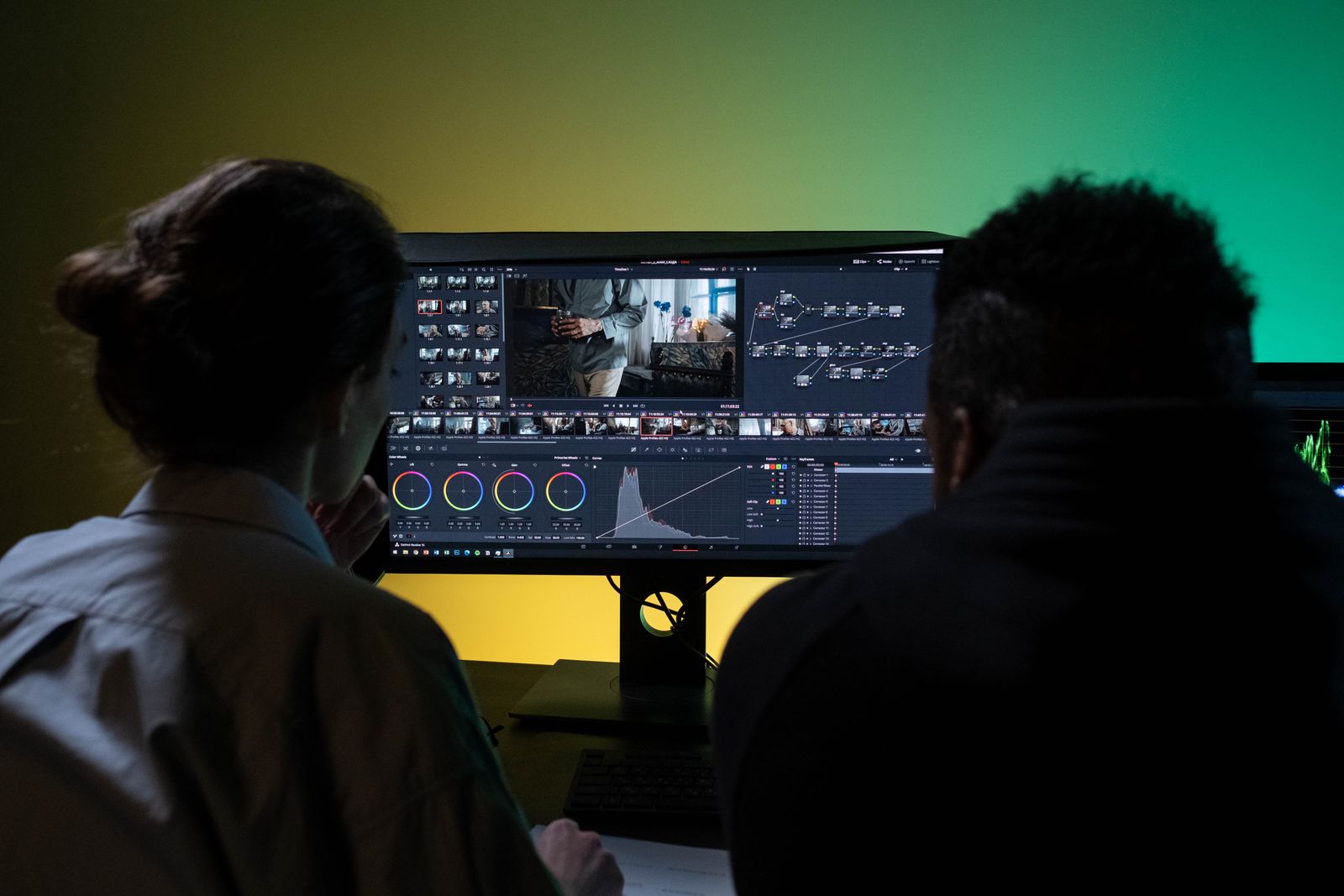
- Color grading so skin tones and light feel consistent across clips.
- One title style, with the same fonts, colors and placement every time.
- Consistent lower thirds for names and job titles.
- Your brand colors used with restraint, not on every frame.
Graphics play a big part here. We explain how in what motion graphics and titles add to a business video.
Plan the versions before the final cut
A single video rarely lives in one place. The same story might appear on your website, in a sales email, on LinkedIn and on a screen at an event.
Each place has its own shape and pace. A wide video for your homepage may need a square or vertical cut for social. A three minute overview may also need a short teaser.
Deciding this early saves rework. The editor can frame shots with room for cropping and keep key text away from the edges. Length matters too, and our guide on how long a corporate video should be can help you set targets for each version.
It also helps to think about the next update. If a team member changes or a price shifts, a modular edit lets you swap one section instead of starting over.
Give feedback that moves the edit forward
Review rounds are where good projects stay on track or drift. The quality of the notes matters more than the number of them.
A few habits make a real difference:
- Gather everyone's notes first. One combined list beats five separate emails that contradict each other.
- Be specific about the moment. "At 1:12 the title is too fast" is easier to act on than "the middle feels off."
- Separate taste from fact. Flag wrong names or figures clearly, so they never get lost among style preferences.
- Review on the screen your viewers will use. A video meant for phones should be checked on a phone.
Every Dvideo client gets a private online portal for this. You watch each cut there and pin notes to the exact second, so nothing gets lost in long email threads.
If you are curious how this fits with the rest of our work, our services page shows the full range, from presentations and brand video to training and AI Presenter projects.
Dvideo Productions is located in Westchester, NY, and serves clients nationwide through a fully remote process.