
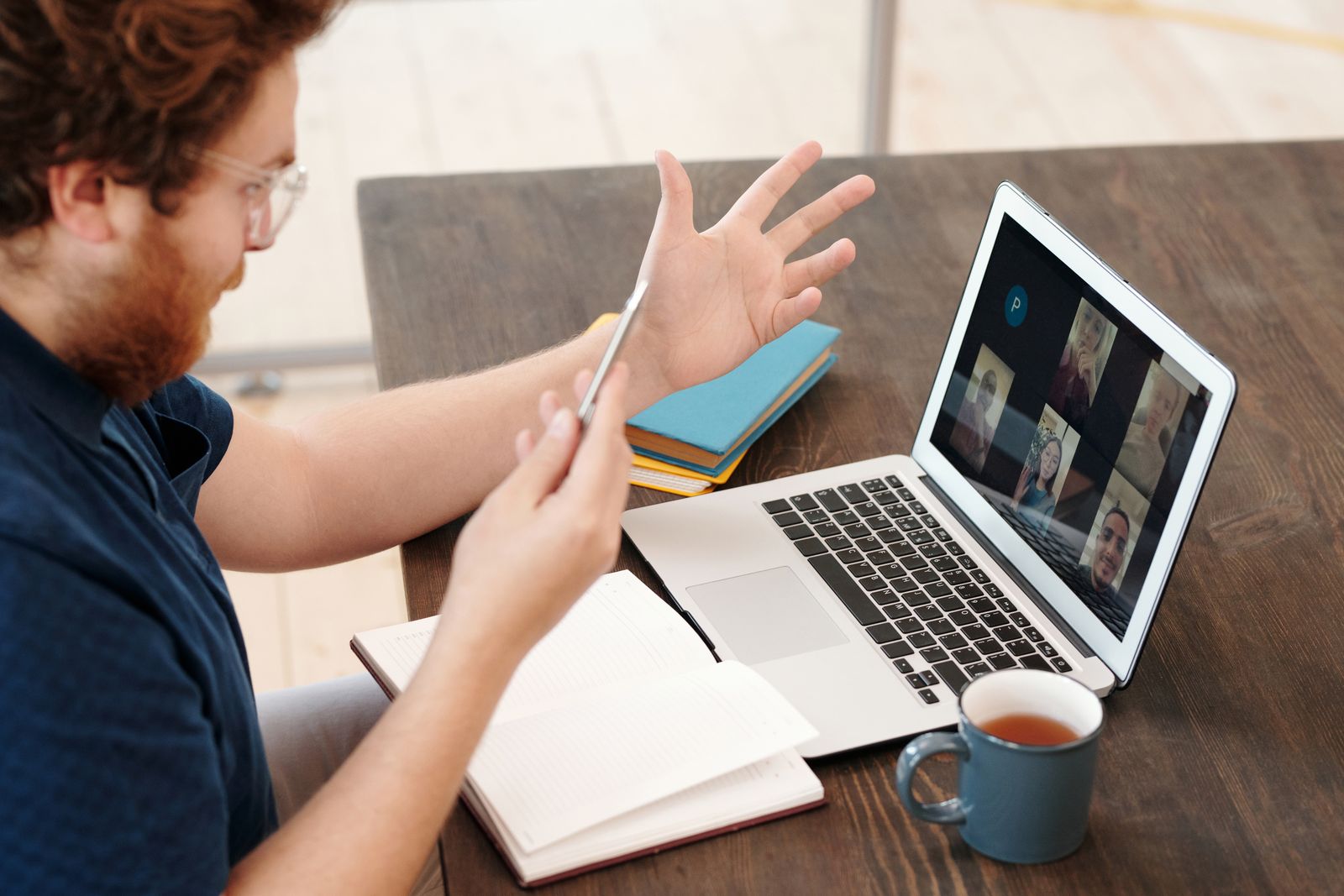
Turning a webinar into short videos for your website and LinkedIn
Short answer: A recorded webinar usually holds several strong moments that make sense on their own. We cut those moments into short clips, add captions and titles, and shape each one for where it will play. You send the recording, and we return a set of clips for your website and LinkedIn. Nobody needs to record anything new.
Why one webinar can feed weeks of posts
A webinar takes real effort. Someone prepared slides, rehearsed and spoke for most of an hour. Then the recording sits on a drive, watched once by the people who attended.
That hour usually contains a handful of answers, tips and opinions worth hearing again. Each one can become its own short video. Released over a few weeks, they keep the same expertise in front of people who never signed up.
That is the whole idea when you repurpose a webinar into short videos. The thinking is already done. The editing brings it to the surface.
Finding the moments worth cutting
Not every minute deserves a clip. We look for moments that make sense without the rest of the session. Good candidates tend to be:
- A clear answer to an audience question.
- A practical tip a viewer can use today.
- A strong opinion or an unexpected point of view.
- A short story from the speaker's own work.
- A simple explanation of something your buyers often get wrong.
If you already know which parts landed well, tell us. The chat log or your own notes from the day often point straight to them.
Shaping a clip so it stands on its own
A moment taken straight from a webinar often starts in the middle of a thought. It may lean on a slide shown ten minutes earlier. So each clip needs some shaping before it works alone.
- A clean start. We trim to the first sentence that makes sense without context.
- A title on screen. A short line tells the viewer what the clip is about.
- Tighter pacing. We remove long pauses, false starts and filler words.
- The speaker's name and role. A lower third gives the clip authority.
- Slides where they help. If a chart matters, we bring it in full screen.
- Captions. Many people scroll with the sound off, so words on screen carry the message.
Titles and lower thirds get more depth in what motion graphics and titles add to a business video. For caption choices, see subtitles and captions on a company video.
Webinar audio is often the weakest part. Speakers join from laptops, home offices and echoing meeting rooms. We clean and balance the sound so every clip is comfortable to hear.
Different cuts for your website and for LinkedIn
The same moment can serve both places, but the cut is rarely identical.
On LinkedIn
Clips here compete with everything else in the feed. They need to make their point quickly and look right on a phone. A square or vertical frame usually fills more of the screen than a wide one.
Webinar recordings are wide, so we reframe around the speaker or the slide that matters. Our page on content creation for social media shows more of this kind of work.
On your website
Website visitors chose to be there, so a clip can run a little longer. A wide frame suits most page layouts. Clips work well on a service page, next to the topic they explain.
A slightly longer highlight of the whole session can also sit on an events or resources page. It gives visitors a taste before they commit to the full recording.
When a webinar needs more than trimming
Sometimes the recording has a gap. A key point was rushed, or the speaker has since left the company. Sometimes the session was mostly slides with a voice over them.
In those cases we can add motion graphics that restate the point clearly. An AI Presenter video can also deliver a short scripted summary to sit alongside the clips. It works well as an opening to the series, or as a closing note that sends viewers to the full session. You can see how that works on our AI Presenter page.
Sending us the recording
The most useful file is the original recording at the highest quality your platform allows. A downloaded export usually beats a screen recording of the replay. If the platform saved separate tracks for each speaker or for the slides, send those too.
It also helps to have:
- The slide deck as a file.
- Names and job titles of everyone who spoke.
- Your logo and brand colors.
- Any moments you already want, with rough timestamps.
- Where each clip will be posted.
Every client gets a private online portal, where you can upload the recording or share a cloud storage link. When the cuts are ready, you watch each one there and pin notes to the exact second.
Dvideo Productions is located in Westchester, NY, and serves clients nationwide through a fully remote process.