
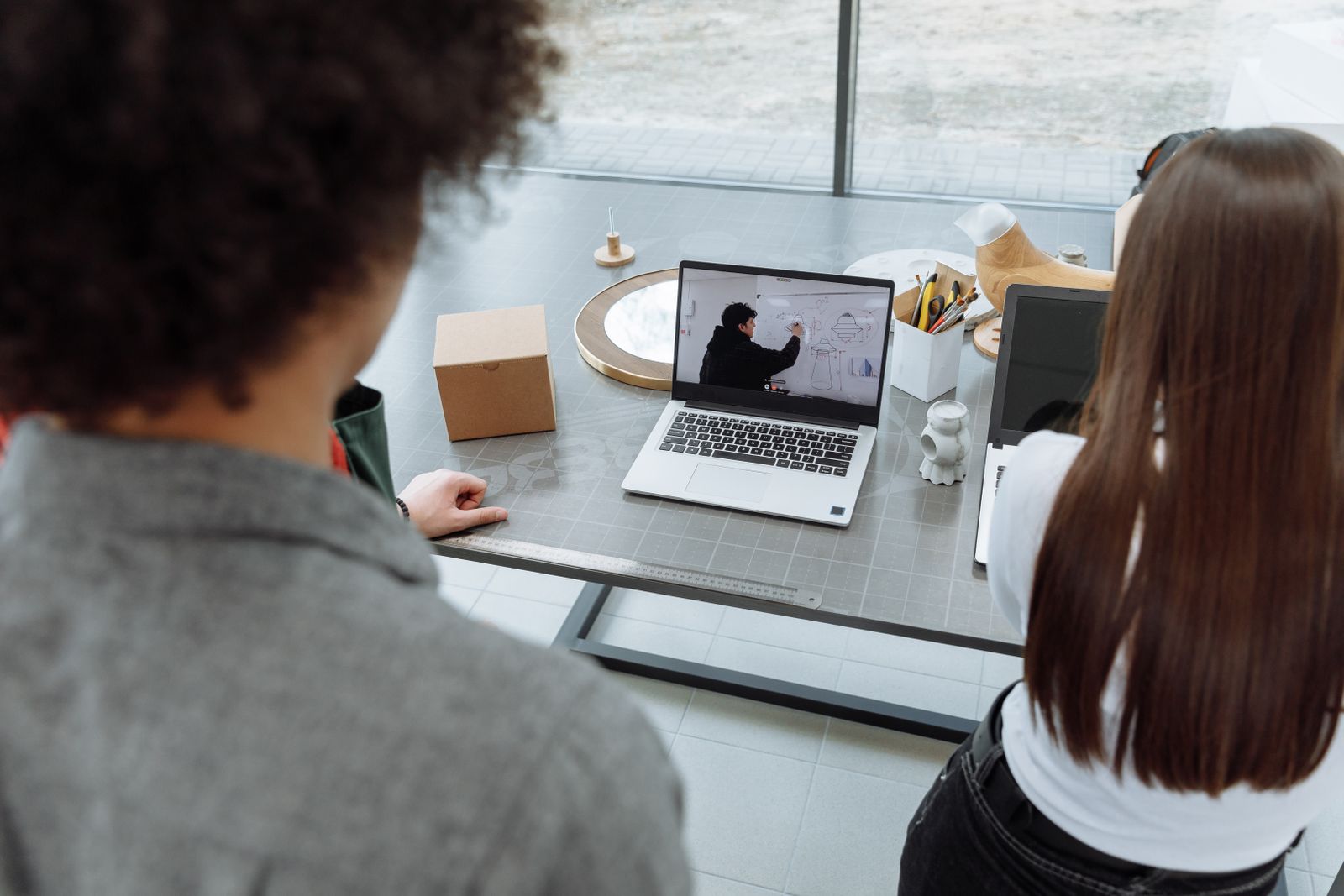
Video for internal communication and training
Short answer: An internal communication video turns updates, policies and training into something staff will actually watch. It works best when each video does one job, stays short and is easy to update. You do not need a shoot. Screen recordings, slides, existing footage and an AI Presenter cover most internal needs.
Where internal video does the most good
Not every message needs a video. A two line reminder belongs in an email. Video earns its place when a message must land the same way for everyone.
The most common internal jobs we see are these:
- Onboarding. A welcome, a tour of how the company works and who does what.
- Process and software training. Showing a task on screen beats describing it in a manual.
- Policy and compliance. Safety rules, data handling and conduct, explained clearly once.
- Leadership updates. Quarterly results, a reorganization, a new direction.
- Change announcements. A new tool, a new office process, a new benefit.
In each case, the video replaces a meeting, a long document or the same explanation given fifty times.
Training people finish
Most training video fails for one reason. It tries to teach everything at once. A forty minute recording of a live session is a record, not a lesson.
Splitting it helps. One topic per video, a clear title and a short runtime let staff find the part they need. They can return to it later without scrolling through an hour of footage.
A few things make training clips easier to follow:
- A short opening line that says what the viewer will be able to do.
- Screen recordings zoomed and highlighted, so the right button is obvious.
- Titles that mark each step.
- Captions, so the video works on a muted laptop in an open office.
Our guide on how long a corporate video should be covers runtime in more depth. For training, the rule is simple. Stop when the task is taught.
Messages from leadership without a recording session
Getting a busy executive in front of a camera is often the hardest part of internal video. Then the script changes, and it has to happen again.
An AI Presenter solves much of this. You approve a script and an on screen presenter delivers it. Our creative team then edits it with your slides, charts, logos and footage, so it looks like a finished company video.
This suits messages that are informational rather than personal. Policy explainers, system rollouts and training modules are good fits. A message about layoffs or a personal thank you should still come from a real person, in whatever recording they can make. We explain more in our post on AI Presenter videos for corporate communication.
Planning for the next update
Internal content goes out of date fast. Software menus change. Policies are revised. A manager leaves. A video that cannot be updated soon becomes a video nobody trusts.
It pays to plan for that at the start:
- Keep modules separate. If step four changes, you replace one short clip, not the whole course.
- Put changeable facts on screen as graphics. A date or a figure in a title is easy to swap.
- Avoid tying a long course to one presenter. An AI Presenter or a voiceover can be updated from a revised script.
- Keep the source files. Fresh screen recordings slot into an existing edit easily.
Because nothing depends on a shoot, revisions are a matter of editing. That makes video realistic for teams whose processes change every quarter.
Getting sign off from several people
Internal videos usually need approval from more than one person. HR, legal, a department head and sometimes IT all want a look. Collecting their notes by email gets messy quickly.
Every client gets a private online portal. You watch each cut there and pin notes to the exact second, so feedback like “change this menu name at 1:42” reaches us without guesswork. You can also upload screen recordings and slides there, or share a Dropbox or Google Drive link.
It helps to agree inside your team who gives final approval before the first cut arrives. That keeps review rounds focused.
A sensible first project
If you are new to internal video, start with the message you repeat most often. For many companies, that is onboarding or one piece of software every new hire must learn.
Gather what you already have. Old slide decks, screen recordings, a recorded training session and your brand assets are all useful starting points. Our post on turning footage you already have into a company video shows how far existing material can go. You can also see the range of work on our corporate video presentations page.
One well made module tells you quickly whether staff watch it and whether questions drop. Then you can decide what to make next.
Dvideo Productions is located in Westchester, NY, and serves clients nationwide through a fully remote process.